01 / CCTV
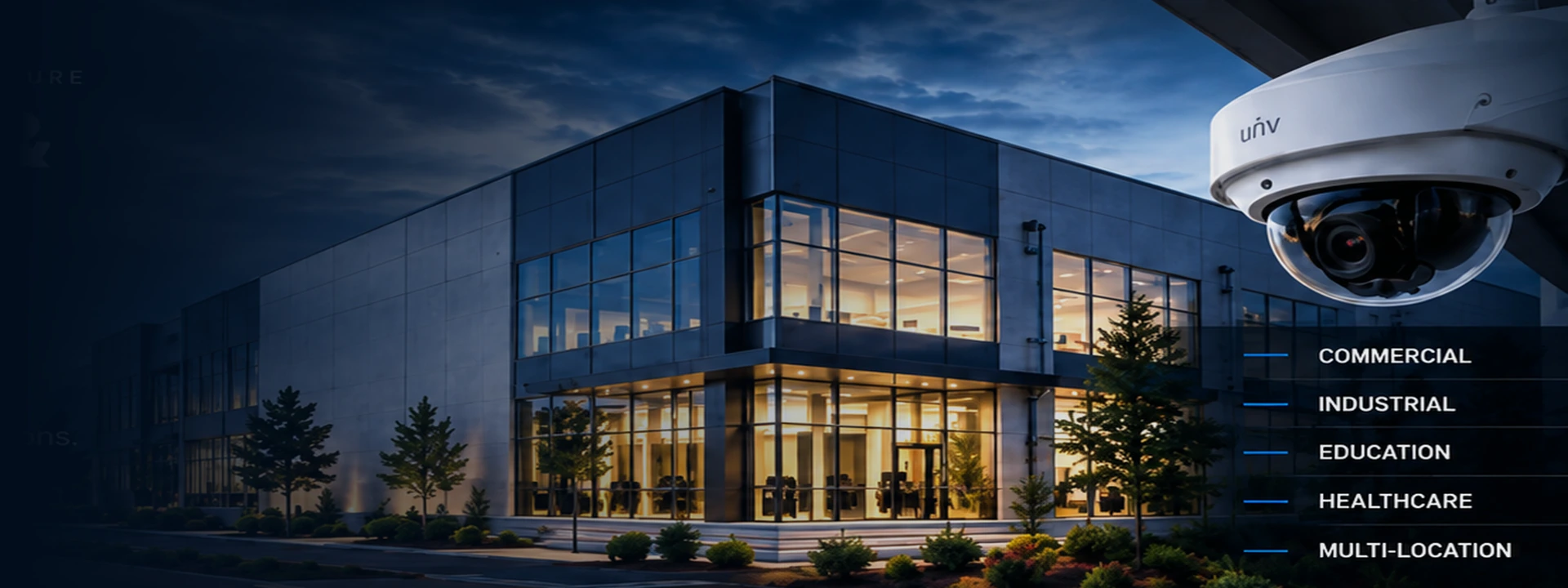
SECURITY NETWORKING ACCESS CONTROL INFRASTRUCTURE
Commercial Security Camera Installation in Birmingham, AL
We design, install, and support commercial security camera systems, access control, networking equipment, and IT infrastructure for businesses, schools, industrial facilities, and multi-location organizations.
⬡ DESIGN
Custom solutions for your facility and goals.
⚙ INSTALL
Professional, code-compliant installations.
◉ SUPPORT
Ongoing maintenance and responsive service.
▥ INTEGRATE
Security, networking, and access control together.
— OUR SOLUTIONS
Commercial CCTV &
Security Infrastructure
From security cameras and access control to enterprise networking, we provide integrated solutions that keep your people, property, and operations secure and connected.
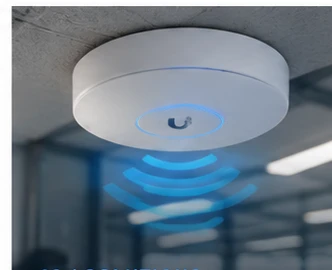
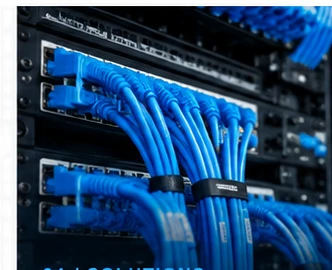
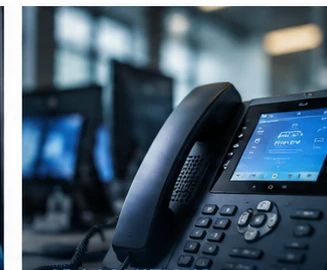
COMMERCIAL CCTV & VIDEO SURVEILLANCE IN ALABAMA
Security Camera Installation in Birmingham, AL & Central Alabama
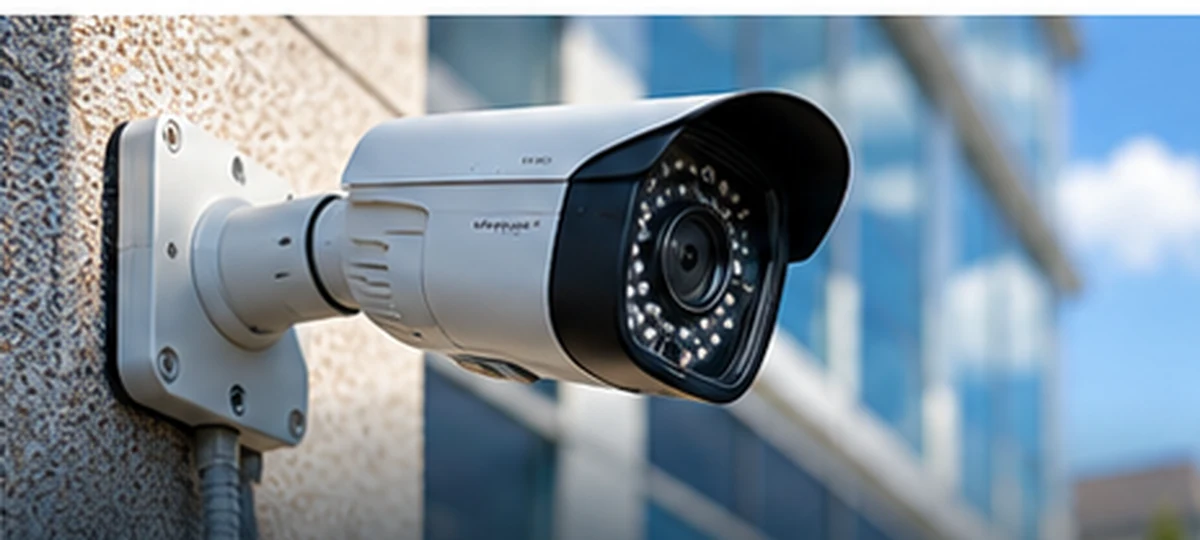
Central IT LLC provides professional commercial security camera installation in Birmingham, AL, helping businesses protect their facilities, employees, equipment, and day-to-day operations. From offices and retail properties to warehouses, manufacturing facilities, churches, and preschools, we design surveillance systems around each property’s layout, coverage requirements, and operational needs. Our work includes new CCTV installations, camera replacements, and practical upgrades to existing systems.
CCTV & Video Surveillance Solutions for Central Alabama Businesses
Our commercial CCTV and video surveillance solutions include IP security cameras, 4K video, network video recorders (NVRs), DVR upgrades, secure remote viewing, recording and retention planning, and system troubleshooting. We consider lighting, lens selection, camera placement, network connectivity, and recording capacity so your surveillance system delivers useful footage when it matters.
Local Security Camera Installation, Upgrades & Repairs
We support commercial properties throughout the Birmingham metropolitan area and surrounding Central Alabama communities. Whether you need cameras for a new facility, repairs to an existing surveillance system, or a phased expansion across multiple buildings, Central IT can assess the equipment you already have and recommend an appropriate approach. Our experience with structured cabling and business networking also helps us integrate surveillance equipment into reliable, manageable infrastructure.
Commercial Security Camera Installation Throughout Central Alabama
Central IT provides commercial CCTV installation, security camera upgrades, video surveillance system repairs, and related networking services throughout Birmingham and surrounding communities. Explore our local service areas to learn more about the solutions available for your business.
Learn more about CCTV installation, repair, and video surveillance systems or request a commercial security consultation.
A SMARTER APPROACH TO COMMERCIAL SECURITY
More Than Individual Cameras. A Complete Security Strategy.
Commercial surveillance is most effective when it is designed as part of a working security and IT environment. A high-resolution camera cannot deliver useful evidence if it is mounted at the wrong angle, its network connection is unreliable, or the recording system does not retain footage long enough for an incident to be discovered. Every component—from lens selection and lighting to switching and storage—has a role in the outcome.
Central IT LLC approaches projects by identifying the areas that matter, the detail needed at each location, the hours a facility operates, and how staff will review footage. This planning may involve fixed cameras, panoramic coverage, PTZ equipment, access control, structured cabling, and secure remote access. The goal is a system that supports the way a business actually operates, not a collection of disconnected devices.
Businesses throughout Birmingham and Central Alabama may need a new installation, a repair to existing equipment, or an incremental upgrade. Understanding the condition and compatibility of current infrastructure helps determine which approach is appropriate.
Explore commercial CCTV solutions → · Explore business networking →
Tell us what you need and our team will be in touch to discuss your project.QUICK CONSULTATIONNeed Security Cameras or IT Support?
Request a Consultation
INTEGRATED BY DESIGN
One connected system.
One experienced partner.
Security cameras, access control, switches, wireless networking, and structured cabling work best when planned together. We engineer systems for how your organization actually operates.
Commercial surveillance and recording infrastructure
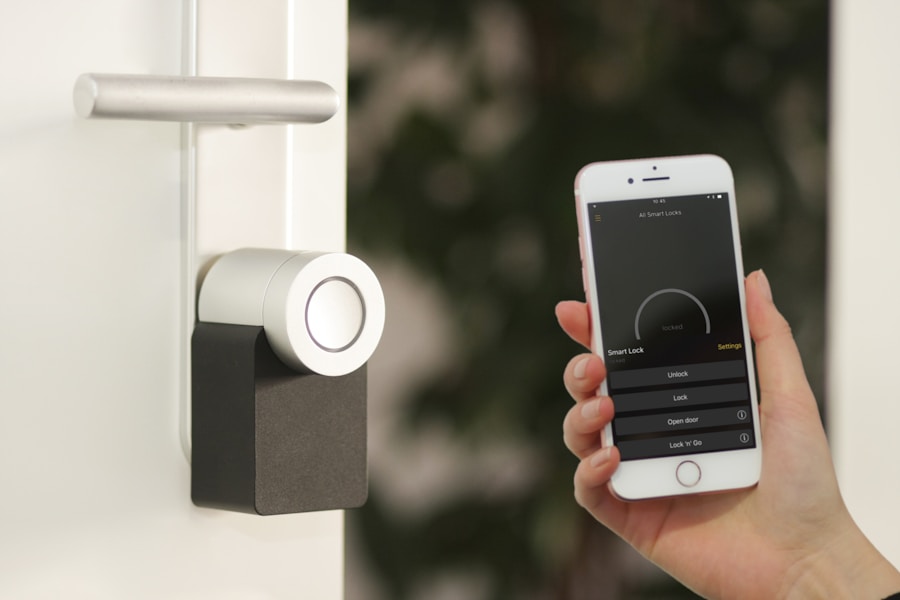
Controlled entry, intercoms, and credential management
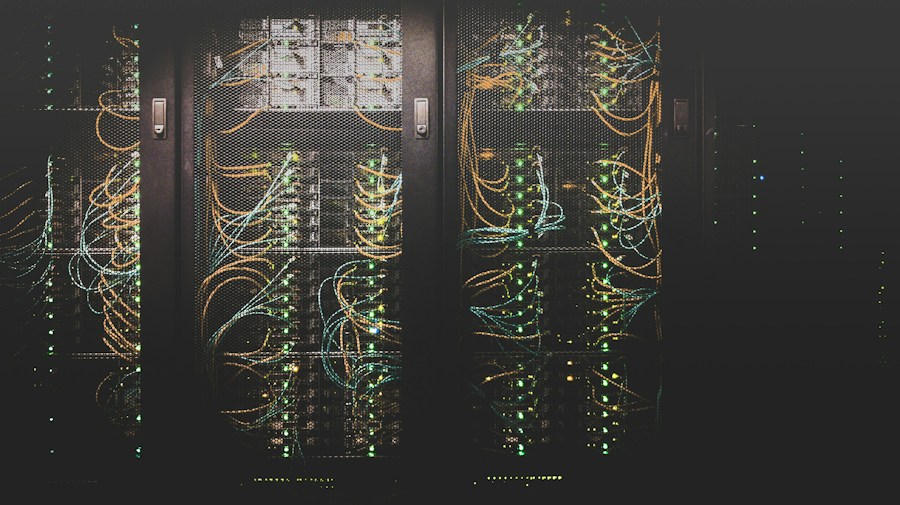
Network infrastructure that supports every connected device
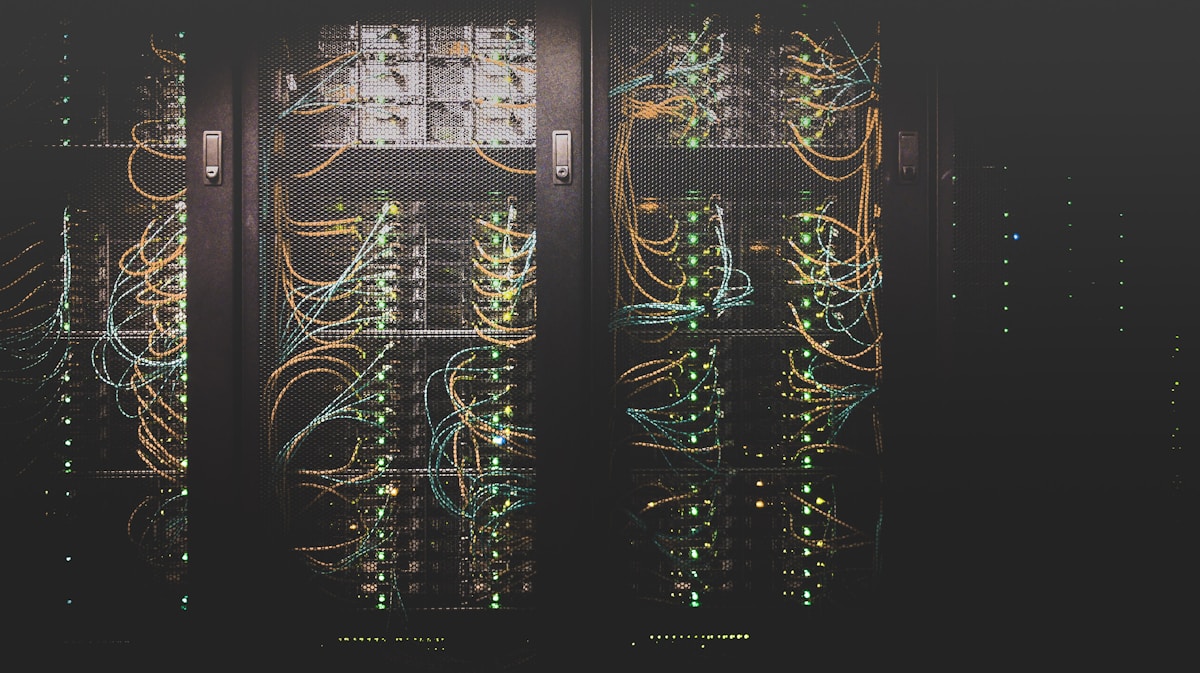
CCTV INSTALLATION, REPAIR & UPGRADES
Reliable Surveillance Starts With the Right Design.
Commercial CCTV projects vary considerably between a small office, a warehouse, a preschool, and a multi-building industrial facility. Camera locations, viewing distances, lighting conditions, mounting heights, cable routes, and recording requirements should be assessed before equipment is selected. A carefully designed system can provide useful views of entrances, inventory areas, loading docks, parking lots, and other operationally important spaces.
Existing systems often need troubleshooting rather than immediate replacement. Faults may originate from damaged connectors, failing drives, PoE switches, incorrect recording schedules, outdated firmware, or network configuration. Diagnosing the cause helps protect prior investments while improving system reliability.
The six topics below cover installation, repair, upgrades, replacements, remote viewing, and maintenance. Each photographic card opens a detailed explanation and links to the related Central IT service page.
COMMERCIAL SURVEILLANCE SERVICES
Commercial CCTV Installation, Repair & Upgrades
Explore practical installation and support topics. Select Read More for a detailed explanation and a link to the relevant service.
CENTRAL IT / COMMERCIAL CCTV
New CCTV Installation
Planning a new commercial CCTV system begins with identifying the areas that matter most, selecting suitable camera types, and evaluating cabling and recording infrastructure.
Camera placement must consider entrances, exit routes, loading docks, production spaces, parking lots, and the level of detail needed at each location. A wide field of view may show activity but fail to capture useful identification detail. Lens choice, mounting height, lighting, and potential obstructions all affect the outcome.
Our installation planning also considers PoE switch capacity, cable distance, network segmentation, recording capacity, secure remote access, and expansion. A properly documented design helps owners understand what the system can and cannot capture before installation begins.
Central IT LLC evaluates these needs against the conditions at your facility, existing infrastructure, and project objectives. Equipment choices, performance, and compatibility are confirmed during planning rather than assumed from a product specification alone.
Explore the full related service →
Request a consultation →02 / CCTV
CCTV System Repair
CENTRAL IT / COMMERCIAL CCTV
CCTV System Repair
Troubleshoot cameras that have stopped displaying, intermittent video, network failures, and recording problems before replacing equipment unnecessarily.
A camera outage can originate at the camera, power source, PoE switch, connector, cable, network configuration, or recorder. Testing each layer helps isolate the fault and avoid replacing equipment that is still functional.
We also investigate hard-drive errors, incorrect schedules, camera authentication, IP address conflicts, and software compatibility. Repairs should be followed by playback verification and confirmation that alerts and remote access still function.
Central IT LLC evaluates these needs against the conditions at your facility, existing infrastructure, and project objectives. Equipment choices, performance, and compatibility are confirmed during planning rather than assumed from a product specification alone.
Explore the full related service →
Request a consultation →03 / CCTV
NVR & DVR Upgrades
CENTRAL IT / COMMERCIAL CCTV
NVR & DVR Upgrades
Replace aging recorders, improve channel capacity, and evaluate whether existing cameras can be retained during a recording-system upgrade.
The right upgrade depends on the existing camera technologies, required channel count, recording format, compression support, drive bays, and expected storage duration. Hybrid recorders may support a phased migration from analog to IP cameras.
Before upgrading, confirm camera compatibility and whether the network can support the added streams. Plan for data retention, export workflows, user permissions, and a clear cutover process that minimizes downtime.
Central IT LLC evaluates these needs against the conditions at your facility, existing infrastructure, and project objectives. Equipment choices, performance, and compatibility are confirmed during planning rather than assumed from a product specification alone.
Explore the full related service →
Request a consultation →04 / CCTV
Camera Replacements
CENTRAL IT / COMMERCIAL CCTV
Camera Replacements
Upgrade damaged or outdated cameras with appropriate commercial models selected for the actual viewing distance and lighting conditions.
A replacement camera should be selected for its required task: general awareness, identifying people at entrances, monitoring a loading bay, or covering a wide perimeter. Resolution alone is not a substitute for lens design and proper placement.
Compatibility with the existing recorder, cabling, power budget, and mounting hardware must be checked before ordering. Nighttime tests are particularly important because glare, infrared reflections, and motion blur can make otherwise sharp daytime footage unusable.
Central IT LLC evaluates these needs against the conditions at your facility, existing infrastructure, and project objectives. Equipment choices, performance, and compatibility are confirmed during planning rather than assumed from a product specification alone.
Explore the full related service →
Request a consultation →05 / CCTV
Remote Viewing & Security
CENTRAL IT / COMMERCIAL CCTV
Remote Viewing & Security
Configure reliable off-site CCTV access for authorized users while protecting the business network and camera credentials.
Remote viewing may use a vendor application, a secure gateway, or an appropriately configured network service. Available features depend on the recorder and camera platform. Avoid unnecessarily exposing device administration interfaces directly to the internet.
Use unique accounts, strong credentials, role-based permissions, firmware updates, and multifactor authentication where supported. Test live viewing and recorded playback from an external connection, and document how access is revoked when employees leave.
Central IT LLC evaluates these needs against the conditions at your facility, existing infrastructure, and project objectives. Equipment choices, performance, and compatibility are confirmed during planning rather than assumed from a product specification alone.
Explore the full related service →
Request a consultation →06 / CCTV
Maintenance & Support
CENTRAL IT / COMMERCIAL CCTV
Maintenance & Support
Keep surveillance systems reliable through routine recording checks, camera cleaning, storage monitoring, and network health reviews.
A camera that shows a live image is not necessarily recording. Preventive checks should include playback tests, time synchronization, recording schedules, drive health, and the amount of video retained.
Outdoor cameras can become obscured by dirt, vegetation, or changing lighting. Network switches and battery backups also need attention. A repeatable maintenance process helps identify problems before footage is needed for an incident.
Central IT LLC evaluates these needs against the conditions at your facility, existing infrastructure, and project objectives. Equipment choices, performance, and compatibility are confirmed during planning rather than assumed from a product specification alone.
Explore the full related service →
Request a consultation →PURPOSE-BUILT SECURITY
Different Facilities Require Different Camera Strategies.
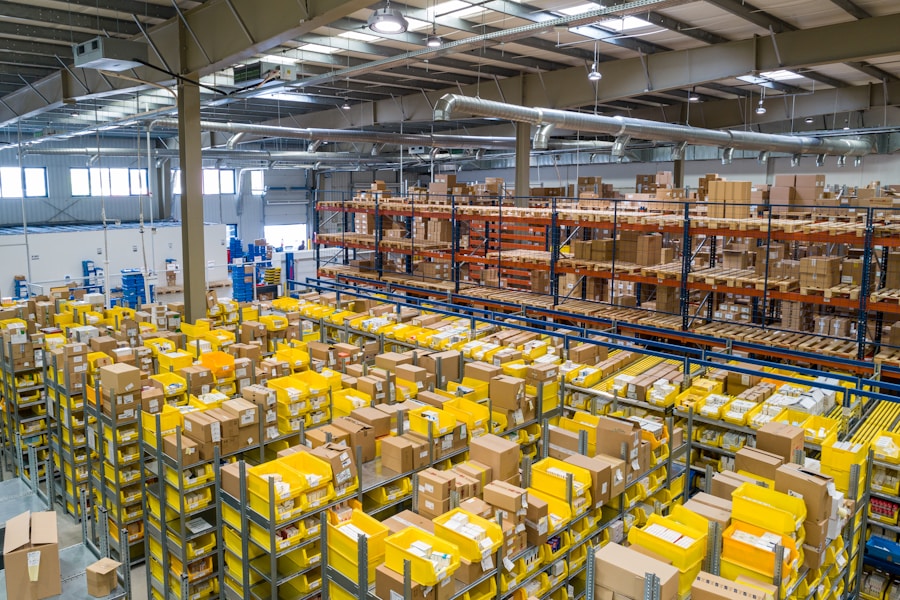
A manufacturing plant, warehouse, house of worship, daycare, retail store, and multi-site organization do not share the same security priorities. Production areas may require rugged equipment and long cable routes; schools and childcare facilities may emphasize controlled entrances and carefully considered access permissions. Retail environments may need clear views of points of sale, stockrooms, and customer entrances.
The appropriate number of cameras cannot be determined by square footage alone. Coverage must account for blind spots, lighting, expected activity, privacy, and the level of detail required. Our approach connects surveillance planning with each facility’s real operations.
— INDUSTRIES WE SERVE
Built for demanding environments.
Purpose-built technology for the operational requirements of your facility.

03 / INDUSTRIES
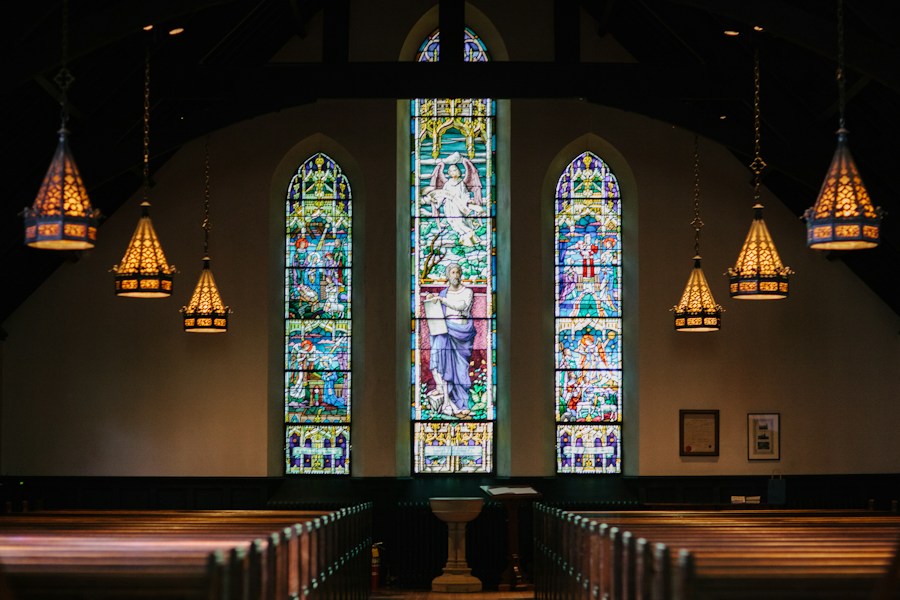
Houses of Worship
Thoughtful protection for congregations and staff.

04 / INDUSTRIES
Daycare & Preschool
Safer entry and reliable campus-wide visibility.

THE TECHNOLOGY BEHIND RELIABLE CCTV
Resolution, Recording, Networking & System Integration.
Camera megapixels are only one part of surveillance performance. Lens field of view, sensor sensitivity, shutter speed, infrared illumination, compression, and placement all influence whether a recording is useful. A 4K camera may capture more detail than a lower-resolution model, but poor lighting or an overly wide view can still prevent clear identification.
Recording systems also need to be designed around actual retention goals. Storage depends on bitrate, frame rate, camera count, compression, recording schedules, and scene activity. Network switches, PoE power budgets, and uplink capacity must support the video streams reliably. Integrations with access control and other security devices should be checked against the exact hardware and software involved.
The following six topics explain core CCTV technologies and the tradeoffs that matter when planning an installation or upgrade.
ENGINEERED FOR RELIABLE RECORDING
CCTV Technology & System Design
Explore camera quality, video retention, PTZ, PoE networking, integration, and multi-site system planning.
07 / CCTV
4K Cameras & Image Quality
CENTRAL IT / COMMERCIAL CCTV
4K Cameras & Image Quality
Understand how megapixels, sensors, lenses, and compression work together to determine the detail captured by commercial cameras.
An 8MP camera provides more pixels than a 2MP camera, but identification quality depends on how those pixels are distributed across the scene. A very wide lens may reduce detail on distant subjects even at 4K resolution.
Sensor size, exposure time, lighting, dynamic range, and bitrate affect low-light performance and motion clarity. Higher resolution also increases demands on network bandwidth and storage, so specifications should match the surveillance objective.
Central IT LLC evaluates these needs against the conditions at your facility, existing infrastructure, and project objectives. Equipment choices, performance, and compatibility are confirmed during planning rather than assumed from a product specification alone.
Explore the full related service →
Request a consultation →08 / CCTV
Storage & Retention Planning
CENTRAL IT / COMMERCIAL CCTV
Storage & Retention Planning
Size recording storage for the camera count, resolution, frame rate, compression, and required footage retention period.
Retention estimates must account for each camera stream, expected activity, bitrate settings, and whether recording is continuous or event-based. Motion-only recording can reduce storage use, but event detection may miss activity if poorly configured.
The oldest recordings are commonly overwritten when a recorder reaches its configured capacity. Businesses with retention requirements should confirm actual stored days after commissioning and maintain a procedure for exporting and verifying important footage.
Central IT LLC evaluates these needs against the conditions at your facility, existing infrastructure, and project objectives. Equipment choices, performance, and compatibility are confirmed during planning rather than assumed from a product specification alone.
Explore the full related service →
Request a consultation →09 / CCTV
PTZ & Specialized Cameras
CENTRAL IT / COMMERCIAL CCTV
PTZ & Specialized Cameras
Evaluate motorized zoom, panoramic, low-light, and PTZ camera options for complex commercial properties.
PTZ cameras can provide operator-controlled views and optical zoom, but a PTZ pointed at one area cannot simultaneously document everything outside its field of view. Fixed cameras often provide essential continuous coverage alongside PTZ units.
Panoramic and multi-sensor cameras can cover broad spaces, while specialized lenses may be needed for long corridors or distant entrances. The right combination depends on coverage objectives, mounting positions, lighting, and recording bandwidth.
Central IT LLC evaluates these needs against the conditions at your facility, existing infrastructure, and project objectives. Equipment choices, performance, and compatibility are confirmed during planning rather than assumed from a product specification alone.
Explore the full related service →
Request a consultation →10 / CCTV
PoE & Network Infrastructure
CENTRAL IT / COMMERCIAL CCTV
PoE & Network Infrastructure
Design switching, structured cabling, and network capacity to support reliable IP camera connectivity and future growth.
IP cameras rely on consistent power and data connectivity. PoE budgets, cable condition, uplink capacity, and switch placement must be calculated for the actual equipment and topology.
Network segmentation, secure management, appropriate surge protection, and battery-backed equipment can improve resilience. When existing infrastructure is reused, cable testing and switch configuration should be verified before commissioning.
Central IT LLC evaluates these needs against the conditions at your facility, existing infrastructure, and project objectives. Equipment choices, performance, and compatibility are confirmed during planning rather than assumed from a product specification alone.
Explore the full related service →
Request a consultation →11 / CCTV
Access Control Integration
CENTRAL IT / COMMERCIAL CCTV
Access Control Integration
Explore compatible workflows between CCTV cameras, electronic door access, intercoms, and business security infrastructure.
Camera and access control integration may allow an operator to associate door events with video, review entrances, or manage systems from a unified interface. Available functions vary widely by manufacturer and software platform.
ONVIF or other interoperability standards can help with basic connectivity, but advanced event integration is not guaranteed. Confirm the exact hardware models, licensing, supported protocols, and desired workflow before promising a unified solution.
Central IT LLC evaluates these needs against the conditions at your facility, existing infrastructure, and project objectives. Equipment choices, performance, and compatibility are confirmed during planning rather than assumed from a product specification alone.
Explore the full related service →
Request a consultation →12 / CCTV
Multi-Site CCTV Management
CENTRAL IT / COMMERCIAL CCTV
Multi-Site CCTV Management
Plan consistent camera naming, permissions, recording standards, and remote oversight for organizations with multiple facilities.
Multi-location surveillance requires clear policies for who can access each site, how long video is stored, and how incidents are exported. Standard naming and documentation can simplify troubleshooting across different facilities.
Network availability, bandwidth limits, central monitoring requirements, and cybersecurity should be evaluated before selecting a platform. A phased standardization plan may allow existing compatible equipment to remain in service while improving overall manageability.
Central IT LLC evaluates these needs against the conditions at your facility, existing infrastructure, and project objectives. Equipment choices, performance, and compatibility are confirmed during planning rather than assumed from a product specification alone.
Explore the full related service →
Request a consultation →OUR CLIENTS











Trusted by Businesses Across Alabama.
We work with organizations across Birmingham, Central Alabama, and beyond. Explore some of the organizations we have worked with across commercial, industrial, educational, and community environments.
— TECHNOLOGY PARTNERS
Trusted technology.
Integrated expertise.
We design solutions using established commercial security, networking, communications, and infrastructure technologies—selected to fit the requirements of each project.
 Akuvox
 Avigilon
 Axis Communications
 CyberPower
 Dell Technologies
 PDK
PDK TP-Link
 TVT
TVT Ubiquiti
 UNV
UNVLogos identify technologies we may specify or support; they do not imply an exclusive or formally endorsed partnership.
QUESTIONS BUSINESS OWNERS ASK
Clear Answers Before You Invest in CCTV.
Commercial security camera systems raise practical questions about project costs, monthly fees, off-site access, recording equipment, storage duration, camera quantity, compatibility, and image quality. Understanding these topics can help owners compare proposals and avoid choosing equipment based on a single headline specification.
Open any of the nine questions below to read a detailed answer. Each answer includes a link to a related service or consultation option. Our dedicated FAQ page provides additional information about power outages, backup power, troubleshooting, maintenance, and recording workflows.
COMMERCIAL CCTV FAQ
Frequently Asked Security Camera Questions.
Nine questions, nine photographic cards, and detailed Read Answer pop-ups.
01 / FAQ
How Much Does CCTV & Security Camera Installation Cost?
Installation costs depend on the size and layout of the property, camera quantity and type, mounting conditions, cabling pathways, network equipm
COMMERCIAL CCTV / FAQ 01
How Much Does CCTV & Security Camera Installation Cost?
Installation costs depend on the size and layout of the property, camera quantity and type, mounting conditions, cabling pathways, network equipment, recording storage, and labor. A small office may need a different design from a multi-building industrial facility. We evaluate coverage objectives and existing infrastructure before preparing a project-specific estimate. Higher resolution, specialized lenses, long cable runs, lifts, weatherproofing, and extended retention can affect the budget. A professional estimate should identify equipment, installation scope, configuration, and any optional services separately.
A site assessment should establish coverage objectives before a camera count or budget is finalized. A low-cost package may omit lift access, outdoor conduit, PoE infrastructure, network configuration, hard-drive capacity, or labor for difficult cable routes. Compare proposals by what is actually included, not only the number of cameras.
We can discuss phased installations when a property needs to prioritize entrances, loading docks, or critical operating areas. The final price depends on the approved scope, not a universal per-camera figure.
Explore the related Central IT service →
Request a consultation →02 / FAQ
Is There a Monthly Cost for Your Services?
A commercial CCTV project can include one-time equipment and installation charges, while certain optional products or services may involve recurr
COMMERCIAL CCTV / FAQ 02
Is There a Monthly Cost for Your Services?
A commercial CCTV project can include one-time equipment and installation charges, while certain optional products or services may involve recurring fees. Examples can include cloud storage, managed support, cellular connectivity, monitoring, or software licensing, depending on the selected equipment and agreement. Local NVR recording does not inherently require a cloud subscription, but particular products may have licensing requirements. We explain applicable recurring costs in the project proposal so businesses can compare ownership and operating costs. Contact Central IT for the terms that apply to your proposed system.
For a locally recorded CCTV system, equipment ownership and ongoing service are separate questions. Certain cloud recording platforms, cellular connectivity, extended warranties, monitoring, or managed services can involve recurring fees; their costs and terms depend on the products selected.
A quote should make recurring charges explicit rather than hiding them in an equipment package. We will identify any subscriptions required for a particular configuration and distinguish them from optional support.
Explore the related Central IT service →
Request a consultation →03 / FAQ
Can We Remotely View Our CCTV Cameras Off-Site?
Many commercial camera systems support remote live viewing and recorded playback from compatible mobile devices or computers. The exact features
COMMERCIAL CCTV / FAQ 03
Can We Remotely View Our CCTV Cameras Off-Site?
Many commercial camera systems support remote live viewing and recorded playback from compatible mobile devices or computers. The exact features depend on the recorder, camera platform, network configuration, user permissions, and internet availability. We favor secure access methods, strong unique credentials, current firmware, and appropriate access controls rather than unnecessarily exposing camera services to the public internet. Multiple authorized users may be supported with different permission levels. Remote access also depends on power and connectivity at the facility.
Explore networking solutions →
Remote viewing typically requires the recorder or camera platform to be connected to a properly configured network with working internet access. Permissions should be granted to named authorized users, with strong credentials and multifactor authentication where supported.
Live viewing and playback may behave differently depending on upstream bandwidth, recording settings, application capabilities, and the number of simultaneous users. We also plan what happens if the facility loses internet connectivity.
Explore the related Central IT service →
Request a consultation →04 / FAQ
What Are the Major Differences Between Commercial & Residential Security Cameras?
Commercial surveillance often requires broader coverage, more cameras, centralized recording, managed user permissions, longer retention, robust
COMMERCIAL CCTV / FAQ 04
What Are the Major Differences Between Commercial & Residential Security Cameras?
Commercial surveillance often requires broader coverage, more cameras, centralized recording, managed user permissions, longer retention, robust network infrastructure, and equipment suited to challenging lighting or environmental conditions. Residential products may prioritize quick setup and consumer app features. Commercial projects also place greater emphasis on lens selection, identification objectives, reliability, cybersecurity, serviceability, and integration with facility operations. Megapixels alone do not determine suitability; the best equipment is chosen for the location and intended evidence quality.
Commercial systems often prioritize long operating hours, multiple users, centralized recording, serviceability, and integration with a managed network. Some consumer products are excellent for small applications, but may depend heavily on cloud subscriptions or have limits on recording retention and multi-site administration.
Camera suitability also depends on lighting, weather exposure, vandal resistance, lens selection, cybersecurity support, and the ability to export original footage. The word “commercial” alone does not guarantee a better image.
Explore the related Central IT service →
Request a consultation →05 / FAQ
What Are the Differences Between DVR, NVR, Hybrid, and Server-Based Systems?
A DVR typically records video from analog cameras through coaxial connections. An NVR generally records IP camera streams over a network, often u
COMMERCIAL CCTV / FAQ 05
What Are the Differences Between DVR, NVR, Hybrid, and Server-Based Systems?
A DVR typically records video from analog cameras through coaxial connections. An NVR generally records IP camera streams over a network, often using PoE switches or built-in PoE ports. A hybrid recorder can support a combination of analog and IP inputs, subject to its supported channels and formats. Server-based video management systems use software and computing infrastructure to manage cameras, recording, users, and sometimes multiple sites. The right architecture depends on existing cabling, camera compatibility, storage goals, scalability, and administration requirements. Channel counts and storage limits should be checked against the specific model.
A DVR commonly accepts analog video over coaxial connections, while an NVR usually records streams from IP cameras over a network. Hybrid and XVR-style recorders can support certain combinations of camera technologies, subject to model compatibility. Server-based platforms can provide centralized management and expansion but require appropriate licensing, networking, storage, and administration.
The best upgrade path depends on the cameras and cabling already installed, desired image quality, channel capacity, remote access, redundancy, and long-term service expectations. Not every analog camera works with every hybrid recorder.
Explore the related Central IT service →
Request a consultation →06 / FAQ
How Long Can Security Camera Footage Be Retained?
Retention depends on available storage, number of cameras, resolution, frame rate, compression, scene complexity, recording schedules, and whethe
COMMERCIAL CCTV / FAQ 06
How Long Can Security Camera Footage Be Retained?
Retention depends on available storage, number of cameras, resolution, frame rate, compression, scene complexity, recording schedules, and whether video is captured continuously or only on events. A storage estimate should use realistic bitrates and leave capacity for normal operating conditions. Motion-based recording can reduce usage, but actual savings vary with activity. Once a recorder reaches its configured storage limit, many systems overwrite the oldest footage unless configured otherwise. Businesses with regulatory or incident-retention requirements should define those requirements before selecting a recorder and storage capacity.
Retention is a capacity calculation, not simply a hard-drive label. It changes with camera count, resolution, codec, frame rate, bitrate, scene complexity, and whether recording is continuous or event-based. A facility with heavy motion may retain fewer days than a quiet site using the same hardware.
We estimate storage using realistic recording assumptions, then discuss whether important clips should be exported before the system overwrites its oldest video. Retention can also be affected by organizational policies or applicable legal requirements.
Explore the related Central IT service →
Request a consultation →07 / FAQ
How Many Security Cameras Does My Business or Facility Need?
There is no reliable camera count based only on square footage. A site assessment should consider entrances, exits, parking, loading docks, corri
COMMERCIAL CCTV / FAQ 07
How Many Security Cameras Does My Business or Facility Need?
There is no reliable camera count based only on square footage. A site assessment should consider entrances, exits, parking, loading docks, corridors, cash-handling areas, blind spots, lighting, mounting height, and the detail needed at each location. Wide-angle cameras provide situational awareness, while narrower fields of view may be necessary for identification or distant targets. We plan coverage around specific security objectives and operational workflows, then account for recording bandwidth, PoE capacity, and future expansion.
Camera placement should start with the questions footage must answer: who entered a door, what happened at a loading bay, which vehicle approached a gate, or whether a restricted area was accessed. One wide camera may document activity without providing enough detail to identify a person.
A walkthrough considers blind spots, lens angles, mounting heights, lighting changes, obstructions, privacy-sensitive spaces, and cable pathways. The result may be fewer well-placed cameras rather than more poorly positioned ones.
Explore the related Central IT service →
Request a consultation →08 / FAQ
Can Security Cameras Integrate With Other Network Devices or Existing Security Systems?
Depending on manufacturer compatibility and supported protocols, commercial cameras may integrate with network switches, access control, intercom
COMMERCIAL CCTV / FAQ 08
Can Security Cameras Integrate With Other Network Devices or Existing Security Systems?
Depending on manufacturer compatibility and supported protocols, commercial cameras may integrate with network switches, access control, intercoms, alarms, video management platforms, and other facility systems. Features such as event-triggered recording, door-event bookmarks, or centralized management require compatible hardware, software, licensing, and configuration. ONVIF support can help with interoperability but does not guarantee every advanced feature works across brands. We review the existing equipment and integration requirements before recommending an approach.
Many modern systems can coexist with managed switches, VLANs, access control, intercoms, and other network equipment. More advanced event-driven integrations depend on manufacturer support, firmware, APIs, protocols, licensing, and the exact devices involved.
Before promising an integration, we verify the relevant models and desired workflow. A camera viewing a doorway is not the same as a tested integration that associates a credential event with a recorded video clip.
Explore the related Central IT service →
Request a consultation →09 / FAQ
What Is the Difference Between 2MP, 4MP, 5MP, 8MP (4K), and 12MP Security Cameras?
Megapixels describe the approximate number of pixels in an image, but higher resolution does not automatically produce clearer or more useful sur
COMMERCIAL CCTV / FAQ 09
What Is the Difference Between 2MP, 4MP, 5MP, 8MP (4K), and 12MP Security Cameras?
Megapixels describe the approximate number of pixels in an image, but higher resolution does not automatically produce clearer or more useful surveillance footage. Lens quality, sensor size, lighting, dynamic range, compression, exposure, viewing angle, and distance all affect results. An 8MP camera can capture more spatial detail than a 2MP camera under comparable conditions, but it may also need more bandwidth and storage. For night scenes or moving subjects, sensor performance and exposure settings can matter more than headline resolution. We select cameras according to the required field of view and level of detail rather than megapixel count alone.
Megapixels describe the number of pixels in a frame, but usable evidence also depends on sensor size, lens field of view, exposure, compression, motion blur, and available light. An 8MP camera aimed too broadly can produce less useful identification detail than a properly positioned lower-resolution camera.
Higher resolution may increase bandwidth and storage requirements, especially across many cameras. We evaluate real viewing distances, nighttime performance, and the recording system together rather than recommending the highest megapixel count by default.
Explore the related Central IT service →
Request a consultation →START WITH THE RIGHT PLAN
Let’s design your next system.
Tell us about your facility, your security objectives, and the technology you need. We’ll help identify the right approach.